Getting Started With Apollo AI
Six small steps take you from checkout to your first number set.
Apollo AI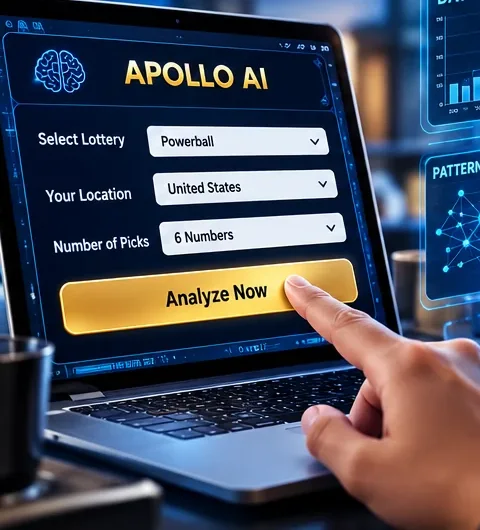
Place your order
Pay once at the official checkout and receive your login.
Open Apollo AI
Use a browser on any phone, tablet or computer.
Enter your setup
Pick your lottery, location and how many numbers the game uses, then press Analyze.
Let it rate the numbers
The Frequency Scanner works through the stored history.
Read the visuals
Our comparison lesson explains what the charts replace.
Generate your set
The Pick Engine delivers a full set. Play it within your limit.
Quick Answers
Around four or five minutes from login to finished set.
Not at all. One screen, three charts, one main button.
Yes, as many times as you like. Each set has equal odds in a fair draw.
Official offer
Give Apollo AI a Spin Before Your Next Draw
Pay $147 once for the full tool and every update that follows. Changed your mind? You have 14 days to request a refund.
Order Apollo AI Secure checkout · no subscription